Free • HD • No watermark • No login

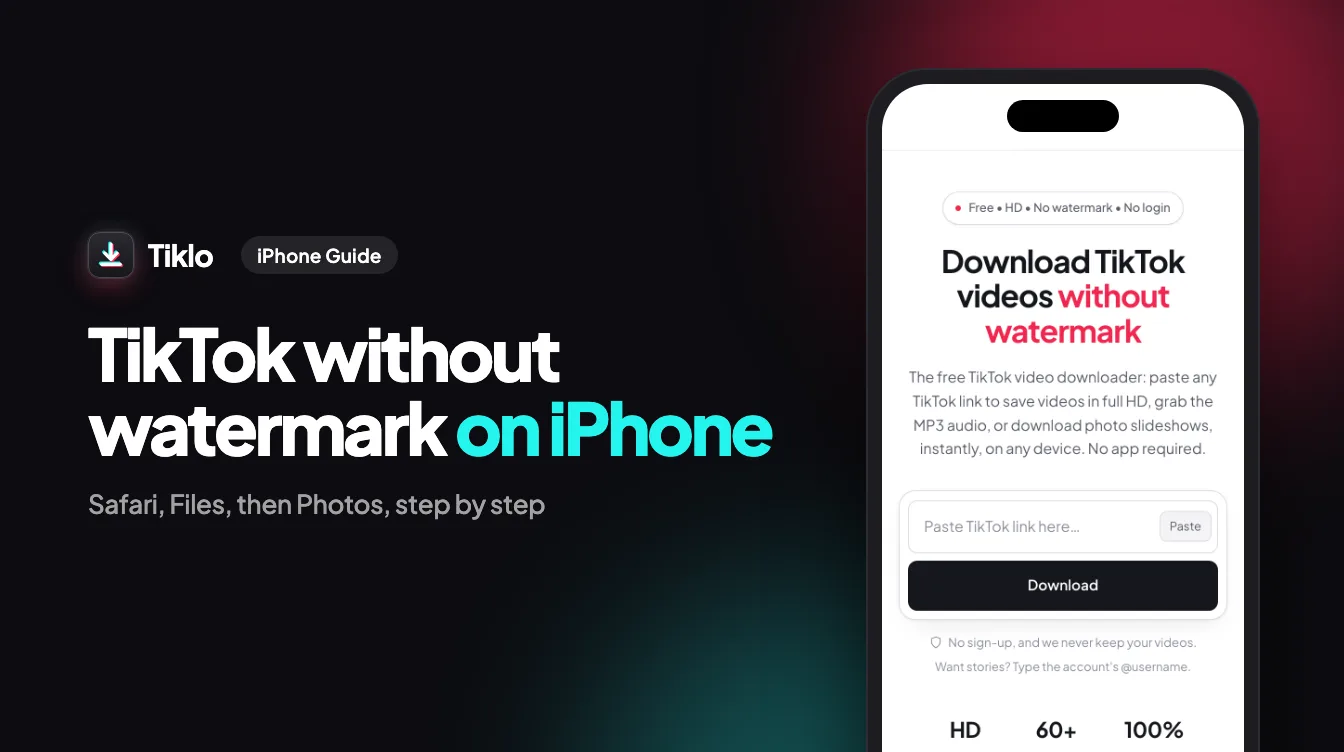
Download TikTok videos without watermark

Paste any TikTok link to save videos in full HD, grab the MP3 audio, or download photo slideshows, instantly, on any device. 100% free, no app required.

We don't store your videos or personal data.

HD
Up to 1080p
60+
Languages
100%
Free & no login

The free TikTok downloader that just works

Tiklo is a free online TikTok downloader that saves any TikTok video without the watermark, in full HD. Paste a link from the TikTok app or website and download a clean MP4, extract the sound as an MP3, or grab every image from a photo slideshow — no app, no extension, and no account.

It runs entirely in your browser, so it works the same on iPhone, Android, Windows, Mac, and tablets. There are no daily limits and nothing to install, and we never store your videos or personal data. Whether you are a creator backing up your own posts, an editor collecting clips, or you just want to watch a video offline, Tiklo gets you a clean file in seconds.

Features

Everything you need to save TikToks

One tool, every format. Built to be the fastest, cleanest TikTok downloader on the web.

No watermark

Get clean videos without the TikTok logo or username overlay, perfect for reposting and editing.

Full HD quality

Download in the highest resolution available, up to 1080p, exactly as it was uploaded.

MP3 audio

Extract the sound or music from any TikTok and save it as a high-quality MP3 file.

Photo slideshows

Save image carousels and slideshow posts, with every photo at full resolution.

No app, no login

Works right in your browser on iPhone, Android, Mac, and PC. Nothing to install.

Fast & unlimited

No daily limits, no queues, no sign-up. Paste, download, repeat, all free.

Every TikTok format, one tool

Pick exactly what you need from any TikTok link.

FormatBest for
MP4 · no watermarkReposting and editing clean, logo-free clips
MP4 · full HD 1080pKeeping the highest quality the creator uploaded
MP3 · audioSaving the song, voice-over, or sound on its own
Photo slideshowDownloading every image from a carousel post
Cover imageGrabbing the thumbnail of a video

Download TikTok on any device

No app to install — Tiklo runs in the browser on every platform.

iPhone & iPad

Save TikToks to your Photos or Files app straight from Safari or Chrome, with nothing to install from the App Store.

Android

Download no-watermark MP4s and MP3s directly to your phone or tablet from any mobile browser.

Windows PC

Paste a link in Chrome, Edge, or Firefox and grab full-HD videos to your computer in one click.

Mac

Download clean TikTok videos and audio on macOS in Safari or Chrome, with no software needed.

How it works

How to download a TikTok video

Three steps, a few seconds.

  1. Copy the link

    In the TikTok app, tap Share → Copy link on the video you want to save.

  2. Paste it above

    Paste the link into the box at the top and press Download.

  3. Save your file

    Choose HD video, no-watermark MP4, or MP3, then save it to your device.

Made for the way you use TikTok

However you create or collect, Tiklo fits in.

Creators

Back up your own posts in clean quality before they disappear, and reuse them across platforms.

Editors & marketers

Collect reference clips and source footage without the watermark getting in the way.

Watch offline

Save videos to watch on a flight, a commute, or anywhere without a connection.

Archiving

Keep a personal library of favourite sounds, slideshows, and videos you do not want to lose.

FAQ

Frequently asked questions

Everything about downloading TikTok videos with Tiklo.

Is Tiklo free?
Yes. Tiklo is completely free with no limits, no subscription, and no account required.
How do I download a TikTok without the watermark?
Paste the TikTok link into Tiklo and choose the “no watermark” option. We deliver a clean MP4 with no logo or username.
Can I convert a TikTok to MP3?
Yes. Every download includes an MP3 option so you can save just the audio or music track.
Do I need to install an app?
No. Tiklo runs entirely in your browser on any device, phone, tablet, or computer.
Is it safe and private?
Yes. We don't require a login and we don't store your videos or personal information.
Can I download photo slideshows?
Absolutely. Tiklo supports TikTok image posts and slideshows, saving each photo in full quality.
Is it legal to download TikTok videos?
Downloading videos for personal use, or content you own or have permission to use, is generally fine. Always respect creators' rights and copyright, and don't repost someone else's work without permission. Tiklo is a tool, and how you use the files is your responsibility.
Does TikTok notify someone when you download their video?
No. TikTok does not tell a creator that you downloaded their video with Tiklo. The download happens between your browser and our resolver, not through your TikTok account.
How do I download a TikTok video on iPhone?
Open the video in the TikTok app, tap Share then Copy link, and paste it into Tiklo in Safari or Chrome. Press Download, choose HD, no-watermark MP4, or MP3, and save it to your Photos or Files.
How do I save a TikTok video on Android?
Tap Share then Copy link on the video, open Tiklo in your browser, paste the link, and press Download. Pick the format you want and the file is saved straight to your device.
Can I download TikTok videos on a PC or Mac?
Yes. Tiklo works in any desktop browser. Copy the video link from the TikTok website, paste it into Tiklo, and download the no-watermark MP4, HD video, or MP3, with no software to install.
What video quality can I download?
Tiklo gives you the highest quality TikTok provides, up to full HD 1080p, exactly as the creator uploaded it. When an HD version is available we offer it alongside the standard no-watermark MP4.
Do I need an app or browser extension?
No. Tiklo is a website, so there is no app to download and no extension to install. Everything happens on the page, on any device.
Why download TikTok videos without the watermark?
The watermark overlays the creator username and a moving TikTok logo across the video. A clean, watermark-free MP4 looks far better for re-editing, archiving, or sharing on other platforms.
How do I convert a TikTok to MP4?
Paste the TikTok link into Tiklo and press Download, then choose the MP4 option. You can save a clean no-watermark MP4 or the full-HD version, ready to edit, repost, or keep.
How do I download just the audio or sound from a TikTok?
Choose the MP3 option after pasting your link. Tiklo extracts the original sound, song, or voice-over and saves it as an MP3 you can use for ringtones, edits, or offline listening.
How do I download photos or images from a TikTok?
Paste the link to a TikTok photo or slideshow post. Tiklo lists every image so you can save them one by one or all together, at full resolution and without the watermark.
Do I need a TikTok account or to log in?
No. Tiklo works without a TikTok account and without logging in anywhere. You just paste a public video link and download, with no sign-up and nothing to install.