Tiklo
Tiklo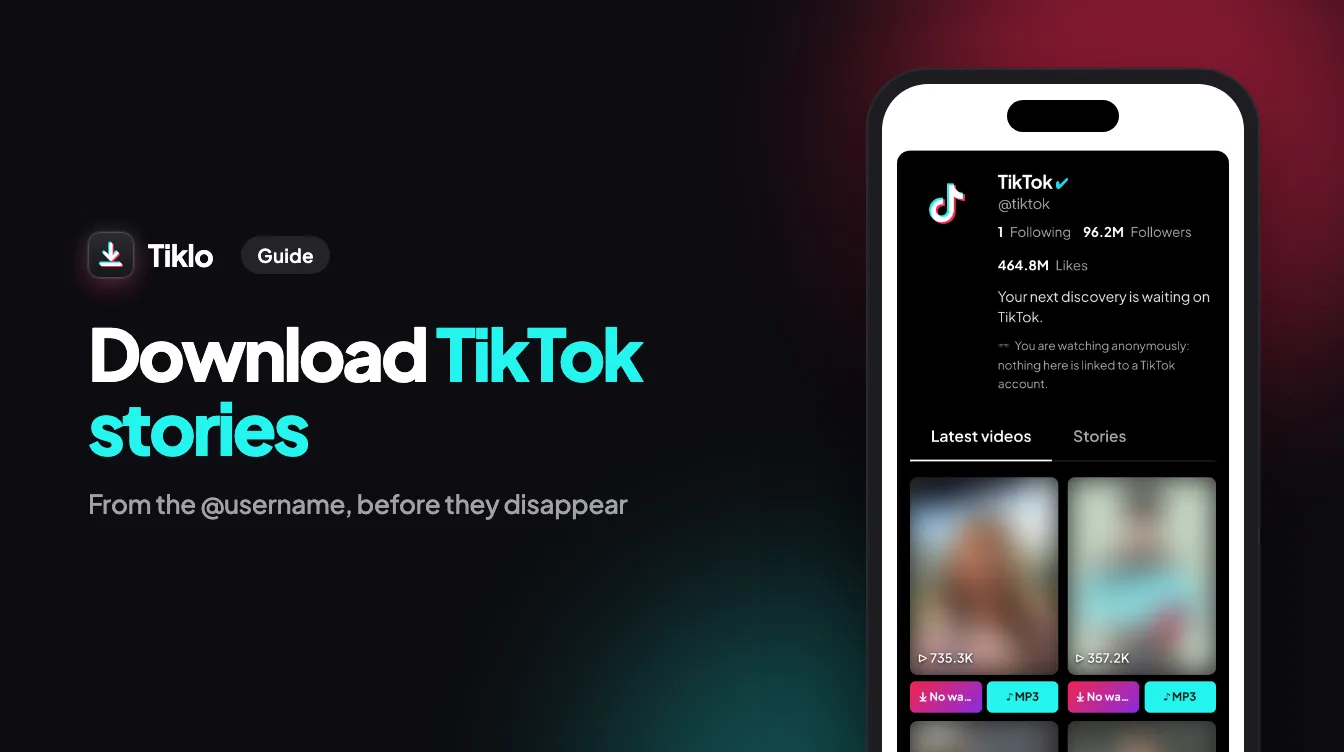
TikTok stories disappear after 24 hours, and the app gives you no button to save someone else’s story. Once the day is over, the video or photo is gone for good. That is the exact problem Tiklo solves: it is a free tool that runs in your browser and lets you download TikTok stories simply by typing an account’s @username. No sign-up, no app to install, and it works the same on iPhone, Android and computers.
What is a TikTok story and why save it
A TikTok story is a photo or short video that sits at the top of a creator’s profile for 24 hours. It is where the quick, casual posts go: a behind-the-scenes clip, a work in progress, an announcement that is not meant to stay on the profile forever.
That short lifespan is also the catch. If a creator shares a recipe, a tutorial or a funny moment in a story, it disappears by tomorrow, and TikTok offers no button to keep it. Saving a copy while the story is still live is the only way to watch it again later. It is just as handy for your own stories, which vanish from your profile just as quickly.
How to download TikTok stories with Tiklo
Here is the full process:
- Open Tiklo’s story page in your browser.
- Type the account’s @username — with or without the @ — or paste their profile link, which looks like tiktok.com/@name.
- Press the Download button.
- Tiklo lists every story that account posted in the last 24 hours.
- For a video story, pick MP4 to save the video itself or MP3 to save only its sound — the song, the original sound or a voice-over. For a photo story, use the button under each image to save it in full size.
- Save the rest of the stories in the list the same way, or type another @username to move on.
Only want to watch, without saving anything? The anonymous TikTok story viewer plays an account’s stories in the page, and your name never appears in the viewer list.
Where the file lands on your phone
On iPhone
Everything you download ends up in the Files app, inside the Downloads folder. To move a video into your camera roll, open it in Files, tap Share and choose Save Video. It then sits in Photos with the rest of your videos.
On Android
Files are saved to the Downloads folder and appear in your gallery like any other download. One extra trick: if you install Tiklo from the browser (look for Install Tiklo), you can share a profile straight from the TikTok app to Tiklo, which saves you the typing.
Download a story from its link instead of the username
If someone sent you the link to one specific story, you do not need the username at all. Paste the story link into Tiklo just like any TikTok video link, press Download, and that single story is saved.
The same works for regular TikTok videos, too: drop any video link into Tiklo and it saves the clip as MP4, or pulls the sound out on its own as an MP3 file.
If it doesn’t work
- No active story. The account has not posted anything in the last 24 hours. Stories only exist for a day, so if you saw one earlier, save it the same day — after 24 hours it is gone from TikTok and can no longer be downloaded.
- The account cannot be found. Tiklo could not match that username. Check the spelling and try the search again from the Tiklo home page.
- Private account. Only public accounts work with Tiklo. Stories from private accounts cannot be viewed, so there is nothing to download.
FAQ
Is Tiklo free to use?
Yes. Tiklo is completely free, with no sign-up, no app to install and no daily limit. It runs entirely in the browser, so it works on iPhone, Android and computers alike.
Will the person know I downloaded their story?
No. Tiklo does not use your TikTok account, so your name never appears in the story’s viewer list.
Can I save only the music from a story?
Yes. Every video story has two buttons: MP4 for the video and MP3 for the sound alone, whether that is a song, an original sound or a voice-over. For regular TikTok videos, there is also a dedicated MP3 page that extracts the audio the same way.
Can I download stories from a private account?
No. Tiklo only works with public accounts. Stories from private accounts cannot be viewed, so they cannot be downloaded either.
A story is only around for 24 hours, so the right time to save one is today. Open Tiklo’s story downloader, type the @username, press Download, and the story is on your device in a few taps. One last thing: keep what you download for personal use, and ask the creator before reposting their content anywhere.