Tiklo
Tiklo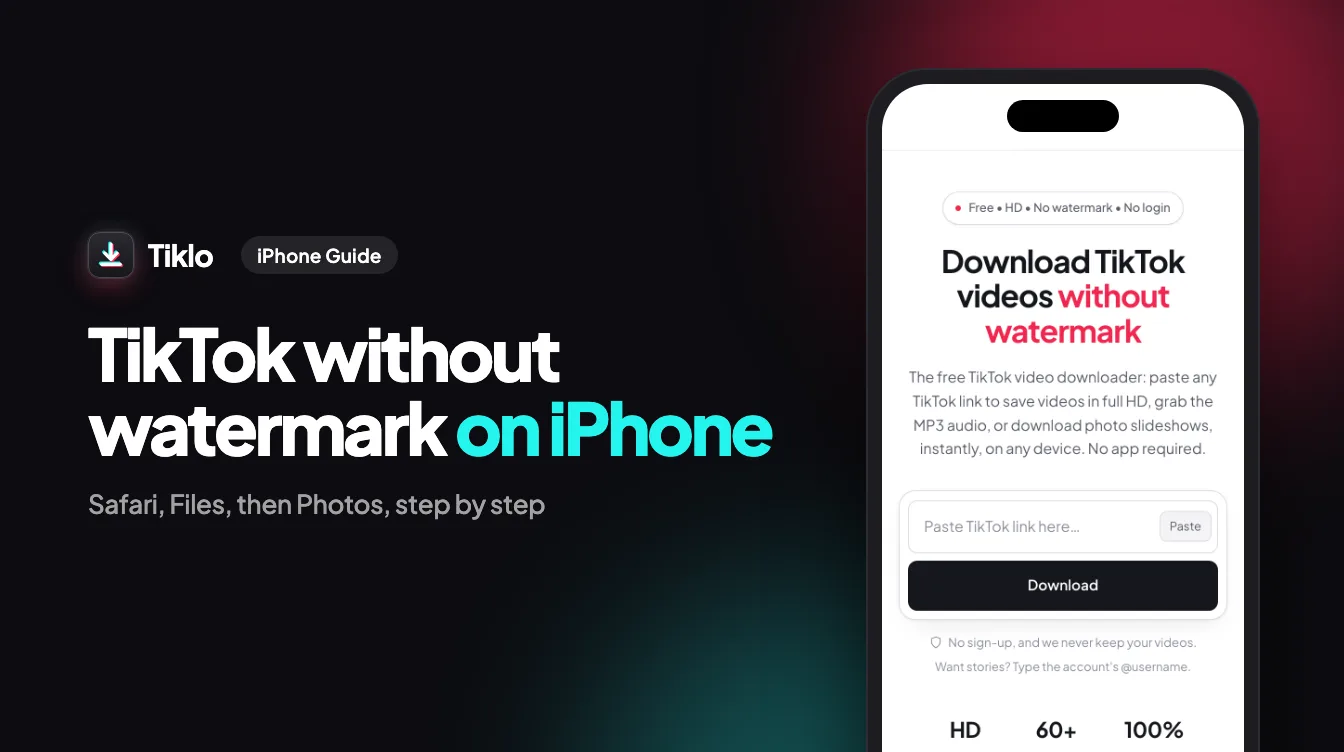
If you want to download TikTok without watermark on iPhone, you do not need to install anything from the App Store. With a browser-based tool like Tiklo, you can copy a TikTok link, paste it, pick the format you want, and save a clean video straight to your camera roll. This guide walks you through the whole process step by step, so it works the first time on any iPhone or iPad running iOS.
Why Download TikTok Without Watermark on iPhone
A clean, watermark-free video is much easier to reuse. The TikTok logo and the creator username bounce around the screen, which looks messy if you want to repost the clip, save a tutorial for later, or keep a favorite moment in your photo library. Removing that overlay gives you a tidy file that fits naturally into other apps and edits.
Doing this on iPhone used to mean trusting random apps with intrusive permissions and pop-up ads. A web-based downloader avoids all of that. There is no install, no account, and nothing running in the background. You open a page, do the job, and close the tab.
What you can save
With Tiklo you are not limited to one type of file. You can grab:
- A no-watermark MP4 (the standard clean video)
- An HD version when the original was uploaded in higher quality
- An MP3 audio file, which is handy for sounds, music, or voiceovers
- Photo slideshows, saved as images you can keep or share
What You Need Before You Start
The requirements are minimal, which is part of the appeal. You only need three things.
- An iPhone or iPad with any modern version of iOS.
- A browser. Safari is the default, and it works well, but Chrome on iOS works too.
- An internet connection and the TikTok link you want to save.
That is the full list. No subscription, no sign-up, and no software to keep updated. Because everything happens in the browser, the same steps also work on Android phones, tablets, and computers.
How to Download TikTok Without Watermark on iPhone, Step by Step
Here is the complete process. Once you have done it once, it takes well under a minute.
Step 1: Copy the TikTok link
Open the TikTok app and go to the video you want. Tap the Share arrow on the right side of the screen, then tap “Copy Link”. TikTok confirms that the link is copied to your clipboard. If you are browsing TikTok in Safari instead of the app, tap the share icon and choose to copy the page address.
Step 2: Paste the link into Tiklo
Open Safari (or your preferred browser) and go to Tiklo. Tap the input box on the page, hold for a moment, and choose “Paste” so the TikTok link drops into the field. Then tap the download or fetch button next to it.
Step 3: Choose your format
Tiklo reads the link and shows you the available options. Pick what fits your needs:
- No-watermark MP4 for a clean, ready-to-use video
- HD for the highest quality available
- MP3 if you only want the audio
Tap the option you want.
Step 4: Save the file to your camera roll
When you tap your chosen format, the file opens or begins downloading. On iPhone, tap the share icon and select “Save Video” to send it to your Photos app, or use the Files app and then move it into Photos. For an MP3, save it through the Files app so you can play or share it later. The clean video now lives in your camera roll, with no watermark in sight.
Tips for the Best Results on iPhone
A few small habits make the experience smoother.
- Always use “Copy Link” rather than typing the address by hand, since a single mistyped character will break the request.
- If a video does not load, refresh the page and paste the link again. Occasionally a link expires and you simply need a fresh copy.
- For private or age-restricted content, downloads may not be available. Stick to public videos.
- Save HD only when you need it, because the larger file uses more storage on your device.
Is It Safe and Allowed?
Tiklo runs in your browser and does not ask you to log in, so your TikTok account credentials are never involved. There is no app collecting data in the background and nothing installed on your phone.
On the topic of usage, treat downloaded content with respect. Saving videos for personal, offline viewing is generally fine, but reposting someone else’s work without credit or permission can break TikTok’s rules and copyright law. When in doubt, ask the original creator. Music and other rights belong to their owners, so commercial reuse is a different matter entirely.
For the sharpest copy on a big screen, the TikTok HD downloader fetches the 1080p version; for a standard clean file, use the TikTok to MP4 converter.
FAQ
Do I need to install an app to download TikTok on iPhone?
No. The entire process happens in your browser. You copy the link, paste it into the tool, and save the file. There is nothing to download from the App Store and no account to create.
Why does my downloaded TikTok still show a watermark?
If you see a watermark, you probably saved the file directly from the TikTok app’s share menu rather than through a downloader. Use the copy-link method and the no-watermark MP4 option in Tiklo to get a clean version.
Can I save only the audio from a TikTok video?
Yes. Choose the MP3 option after pasting the link. This gives you just the sound, which is useful for music, voiceovers, or saving a trending audio clip.
Where do my downloads go on iPhone?
Videos saved with “Save Video” land in your Photos app and camera roll. Files saved through the Files app stay in your chosen folder, and you can move them into Photos at any time.
Conclusion
Downloading clean TikTok videos on iPhone is genuinely simple once you know the flow: copy the link, paste it, pick your format, and save. There is no app to install, no login to remember, and no clutter left behind on your device. Whether you want a no-watermark MP4, an HD clip, an MP3, or a photo slideshow, the same few taps get the job done.
Ready to try it? Open Tiklo and download your first clean TikTok video in under a minute.