Tiklo
Tiklo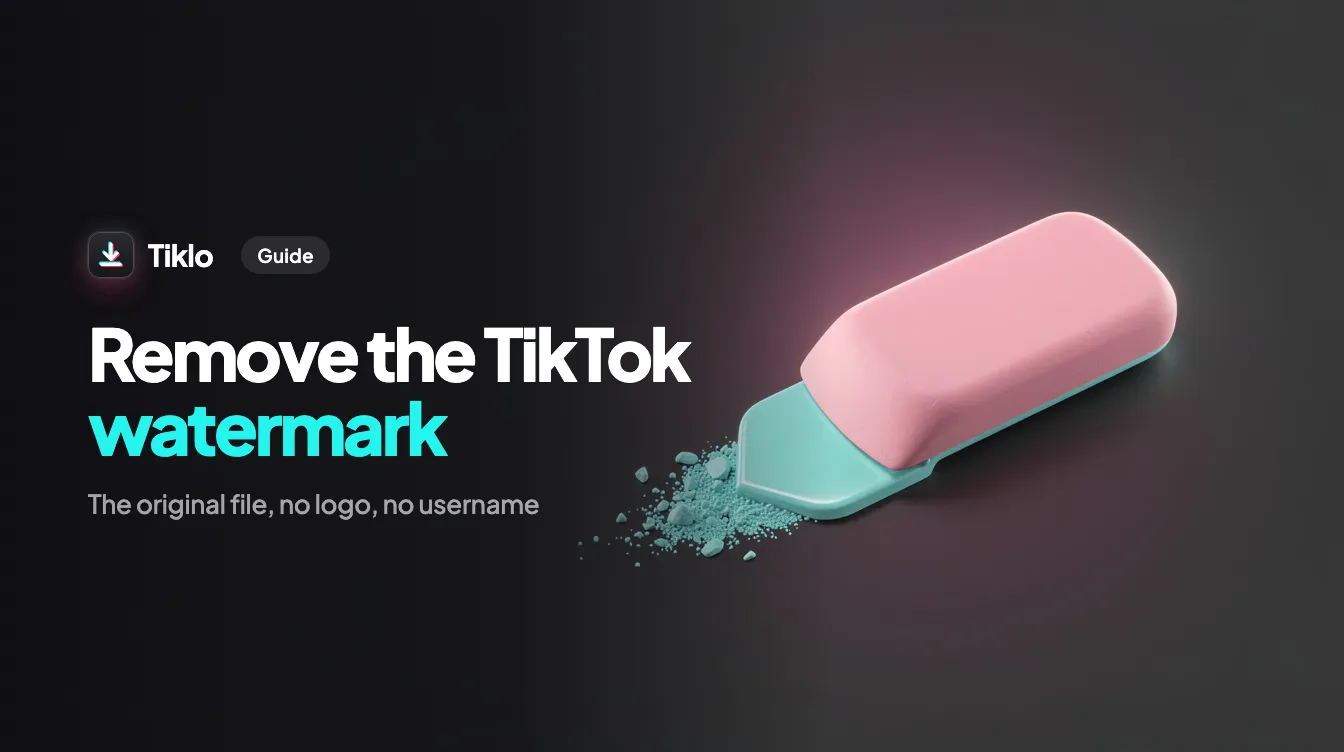
If you have ever tried to repost a clip to another platform, you already know why so many creators want to remove TikTok watermark overlays before they share. That little bouncing logo and the floating @username make a video look like a copy instead of original content. In this guide you will learn exactly what the watermark is, why it can hurt your reach, and how to get a clean copy in a few seconds.
What Is the TikTok Watermark?
The TikTok watermark is the branding that the app adds automatically to videos saved through the in-app download button. It has two parts. The first is the TikTok logo that bounces from corner to corner so it cannot be cropped out in one fixed spot. The second is the creator handle (the @username) printed over the footage.
These marks exist for a reason. They tell viewers where a video came from and they help TikTok stay visible when its content travels across the internet. That is great for TikTok, but it is not always great for you when you want a clean, professional looking file.
Why the Watermark Matters When You Repost
Reposting a TikTok download straight to another app is one of the most common mistakes creators make. Here is why it works against you.
Reach penalties on other platforms
Instagram and YouTube both reward native, original looking content. Instagram has publicly said it prioritizes original content and reduces the visibility of clips that are clearly recycled from other apps, and a visible competitor watermark is one of the easiest signals to detect. When you upload a video that still shows the TikTok logo to Instagram Reels or YouTube Shorts, you risk lower distribution before a single person even watches.
It looks unprofessional
A bouncing logo over your footage instantly signals that the clip is secondhand. For brands, freelancers, and creators trying to build trust, that can undercut the message. A clean frame looks intentional and polished, which is exactly the impression you want when someone lands on your profile for the first time.
You cannot edit cleanly
If you want to add captions, trim the clip, or layer it into a longer edit, the moving watermark gets in the way. Once you remove TikTok watermark elements from the source file, you have a blank canvas to work with in any editor.
How to Remove TikTok Watermark with Tiklo
The simplest way to get a clean file is to use a free web tool. Tiklo runs in your browser, needs no login, and works on phones, tablets, and computers. Follow these steps.
- Copy the TikTok link. Open the video in the TikTok app or on the website, tap the Share button, then choose Copy link. On desktop you can copy the URL straight from the address bar.
- Paste it into Tiklo. Go to the Tiklo home page and paste the link into the input box.
- Choose your format. Pick the no-watermark MP4 for a clean video, HD for the highest quality available, or MP3 if you only need the audio. Tiklo can also pull photo slideshows when a post uses images instead of video.
- Save the file. Tap download and the clean file is saved to your device, ready to upload anywhere.
That is the whole process. No app to install, no account to create, and no watermark left behind.
What You Can Download Besides Clean Video
Tiklo is built for more than one job. Alongside the watermark-free MP4 you can grab a few other formats depending on what you need.
- HD video for the sharpest possible quality when you plan to repurpose or re edit the clip.
- MP3 audio when you want a sound, a voiceover, or a song without the picture.
- Photo slideshows so image based posts come down as usable files instead of screenshots.
Having these options in one place means you do not have to bounce between several tools to prepare content for different platforms.
Tips for Reposting the Right Way
A clean file is the first step, but a few habits make your reposts perform better and stay respectful.
- Always credit the original creator in your caption when the content is not yours. Removing a watermark for personal use or editing is convenient, but it is not a licence to claim someone else’s work.
- Match the new platform’s format. Reframe to a full vertical 9 by 16 ratio so the clip fills the screen on Reels and Shorts.
- Add your own value. Fresh captions, a new hook, or a quick edit help the algorithm read your upload as original rather than recycled.
To keep the full quality once the logo is gone, use the TikTok HD downloader: it saves the 1080p file whenever the creator uploaded one.
FAQ
Is it legal to remove a TikTok watermark?
Removing the watermark from a file you download is generally fine for personal use, backups, or editing your own content. If the video belongs to someone else, you should have permission and you should credit the creator. Respect copyright and TikTok’s terms when reposting.
Does removing the watermark lower the video quality?
No. Tiklo gives you the cleanest version of the source file, and you can choose the HD option to keep the highest quality TikTok makes available. You are getting a fresh export, not a blurry re recording.
Do I need an account or an app to use Tiklo?
No. Tiklo works entirely in your web browser with no login and nothing to install. Just paste a link and download, on any device.
Can I download just the audio without the video?
Yes. Choose the MP3 option after pasting your link and Tiklo will save the audio track on its own, which is handy for sounds, music, and voiceovers.
Conclusion
A visible TikTok watermark can quietly limit your reach and make polished content look secondhand. The fix is quick and free. Copy your link, paste it, choose your format, and save a clean file in seconds. When you are ready to remove TikTok watermark overlays and get a professional copy for Reels, Shorts, or your own edits, open Tiklo and try it now.