Tiklo
Tiklo
SSSTik and SnapTik are two of the most searched TikTok downloaders in the world, and one of the most common questions people ask about them is simply: is this safe? It is a fair question. You are pasting links into a free website you know nothing about, and some downloader sites greet you with pop-ups, redirects, and three different buttons that all say “Download”. This guide looks at what the real risks are, how to check any downloader in about a minute, and which alternatives to use if you want a cleaner experience.
Is SSSTik Safe to Use?
The short, honest answer: the core function of the big-name downloaders is not dangerous in itself. Sites like SSSTik and SnapTik have been around for years, are used by millions of people, and do what they promise — you paste a TikTok link and get a video file back. Downloading a video through them does not install anything on your device and does not require an account.
The risks sit around the edges, and they are the same for almost every free downloader site:
- Ad networks and pop-ups. Free downloaders are usually monetized with aggressive ad networks. A misclick can open a new tab pointing at a scammy page — fake virus warnings, “your phone is infected” scares, or shady app-store links. The download itself is fine; the ad ecosystem around it is where people get burned.
- Fake download buttons. On ad-heavy pages, the biggest, shiniest “Download” button is often an ad. The real link is usually smaller and appears after the video preview. Clicking the wrong one will not necessarily hurt you, but it can lead to sponsored junk.
- Clones and lookalike domains. Popular names attract impostors. There are dozens of sites with names one letter away from the originals, and a clone can behave very differently from the site it imitates. If you type the name from memory and land on a domain full of typos, close it.
- APK and extension prompts. A downloader never needs to be installed. Any site that pushes you to download an APK, add a browser extension, or allow notifications to “unlock” your file is asking for more access than the job requires. Decline.
So the sensible framing is not “SSSTik is dangerous” or “SnapTik is dangerous” — it is that the free-downloader category as a whole makes its money in ways that create risk around the download, and some sites keep that noise much lower than others.
A 60-Second Safety Checklist for Any TikTok Downloader
Before using any downloader — including ours — run through this list. It takes less than a minute:
- HTTPS only. The address bar should show a padlock. No exceptions.
- No login, ever. Downloading a public video never requires your TikTok account, email, or password. A site that asks for credentials is phishing.
- Nothing to install. The whole job happens in the browser. Refuse APKs, extensions, and “helper apps”.
- No notification prompts. “Allow notifications” on a downloader site only ever leads to spam.
- The file should be a video. You pasted a video link; you should get an
.mp4(or.mp3/ images for photo posts). If the site hands you an.exe,.apk, or a zip you did not ask for, delete it. - Check the tab count. If one click opened two extra tabs, the site’s ad setup is aggressive — treat everything on the page as suspicious.
If you want to go deeper on this topic, we wrote a full guide on whether TikTok downloaders are safe and another on the legality of downloading TikTok videos.
Common Frustrations With Free Downloader Sites
Safety aside, the everyday problems people report with free downloaders are practical ones:
- Redirect chains — you click download and bounce through two intermediate pages first.
- Quality caps — some sites serve a compressed file rather than the original resolution, or hide the HD version behind extra steps.
- Broken slideshow support — photo-mode posts and carousels either fail or only return the first image.
- Interface in the wrong language — many tools are English-only, which matters if you are helping someone who is not comfortable in English.
None of these are security issues. They are quality-of-life issues — and they are the reason alternatives exist.
The Alternatives: What to Use Instead
If you want the same result with less noise, here is what actually matters when picking an alternative: no login, no install, HD without a watermark, MP3 extraction, photo-slideshow support, and an interface that does not fight you.
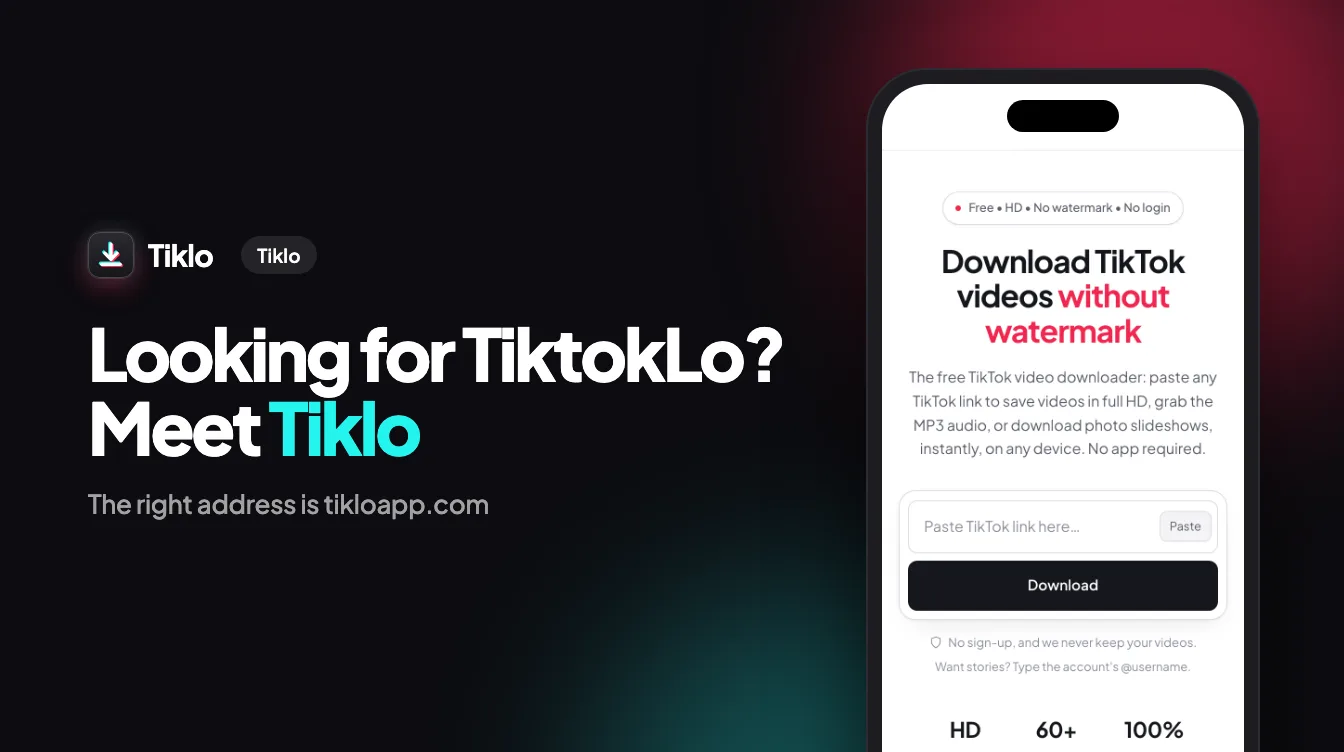
Tiklo was built around exactly that list. It is a free browser-based TikTok downloader with no pop-ups, no redirect chains, and no account: paste a link and you get the clean options immediately — no-watermark MP4 in full HD, MP3 audio, or every image of a photo slideshow. It works on iPhone, Android, and desktop, and the interface is available in 60 languages.
Other well-known names in the category include SnapTik, SSSTik, TikMate, and SaveTT. Most of them do the core job; the differences are in the ad load, the formats they support, and how many steps sit between you and the file. Our full comparison of free TikTok downloaders goes through them feature by feature if you want the details.
The Bottom Line
Using a well-known TikTok downloader is not inherently risky, but the free-downloader ecosystem earns its money in ways that put ads, pop-ups, and lookalike clones between you and your file. Stick to HTTPS sites that need no login and no install, never accept an executable, and prefer tools that keep the ad noise down. If you would rather skip the noise entirely, Tiklo does the same job with none of it — paste a link and save your video, sound, or photos in seconds.