Tiklo
Tiklo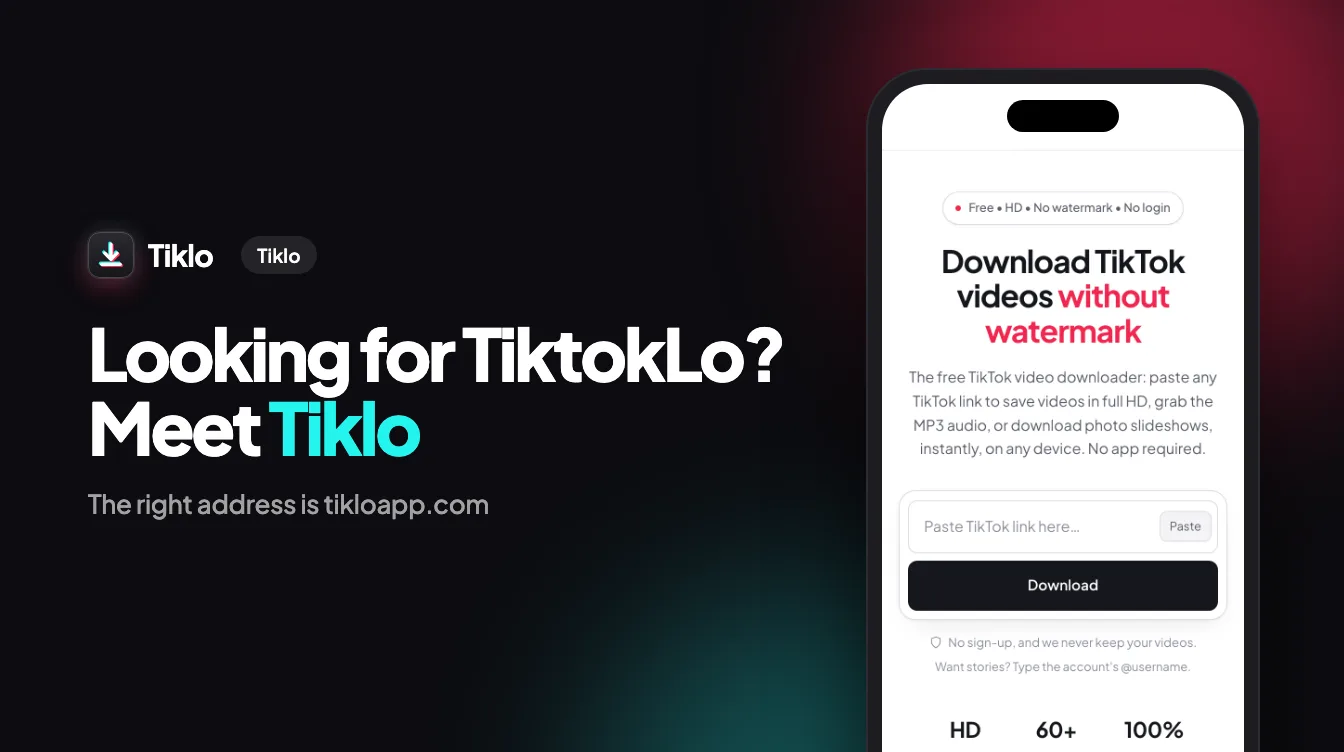
Every day, people type “tiktoklo”, “tiktok lo” or “tiktoklo.com” into Google while looking for a quick way to save a TikTok. If you were looking for Tiklo — the free downloader that saves TikTok videos without a watermark — the right address is tikloapp.com. This short guide explains the mix-up, what happens on tiktoklo.com, and how to download safely.
tiktoklo.com is not Tiklo
The two names are easy to confuse, but they are two unrelated addresses. When we checked in September 2026, tiktoklo.com did not open any TikTok downloader: it redirected visitors to an unrelated survey website. It has no connection with Tiklo, and we cannot vouch for anything shown there.
If you land on a page like that after a redirect, keep it simple:
- Do not enter personal information — no phone number, email, address, or payment details.
- Do not install anything the page asks you to install, and ignore “you won a prize” or “gift card” messages.
- Close the tab and type the address you actually want yourself.
The right address: tikloapp.com
Tiklo lives at tikloapp.com. The home page is the downloader itself, and every language has its own version — for example tikloapp.com/id/ in Indonesian or tikloapp.com/ar/ in Arabic.
To find it again without searching, bookmark it, or add it to your home screen: open the browser menu (the Share button on iPhone) and choose Add to Home Screen. Tiklo then opens like an app, with no app store download.
How to download a TikTok with Tiklo
- Copy the link. In TikTok, tap Share, then Copy link.
- Open tikloapp.com and paste the link into the box.
- Press Download. Tiklo fetches the video in a few seconds.
- Pick your format — HD video without watermark, MP4, MP3 audio, or the cover image — and save it.
That’s all: no account, no app, and no daily limit.
What you can save
- Videos in HD, without the watermark — see the TikTok HD download page.
- The sound as MP3 — with the TikTok to MP3 converter.
- Photo slideshows and carousels, every picture in full quality — with the photo & slideshow downloader.
- Live photos, as a moving MP4 or a still image — with the live photo downloader.
How to recognize a safe TikTok downloader
Whatever site you use, the same signs tell a real downloader from a trap:
- It never asks for your TikTok password or login.
- It does not force you to install an app, an APK, or a browser extension.
- It shows no surveys, prize draws, or gift card offers before the download.
- The address starts with https:// and stays the same from paste to download.
- The file starts downloading directly, without a chain of redirects.
For a deeper look, read our guide on whether TikTok downloaders are safe.
FAQ
Is TiktokLo the same as Tiklo?
No. Tiklo is at tikloapp.com. The address tiktoklo.com is a different domain with no connection to Tiklo.
Is tiktoklo.com safe?
We can’t vouch for it. When we checked in September 2026, it did not show a downloader and redirected to an unrelated survey site, so we recommend not entering any personal information there.
What is Tiklo’s address?
tikloapp.com. Each language has its own page, such as tikloapp.com/id/ for Indonesian or tikloapp.com/ar/ for Arabic.
Is Tiklo free?
Yes. Tiklo is free, with no sign-up and no limit on how many videos you save.
Does Tiklo have an app?
You don’t need one. Tiklo runs in your browser on iPhone, Android, and computers, and you can add it to your home screen to open it like an app.
Conclusion
If you typed “tiktoklo” looking for a TikTok downloader, the site you want is tikloapp.com. Skip the redirects, never share personal details on a page you didn’t choose, and save your videos in a few seconds — clean, in HD, and without a watermark.
Ready? Open Tiklo and paste your link.